 Allison
Create account
Voice AI for your Mac
Stuck on your Mac?
Ask Allison.
Ask out loud and get an answer based on what’s on your screen. Allison talks you through the next step and points to where you need to click.
Create free accountFree beta · macOS 14.2 or later
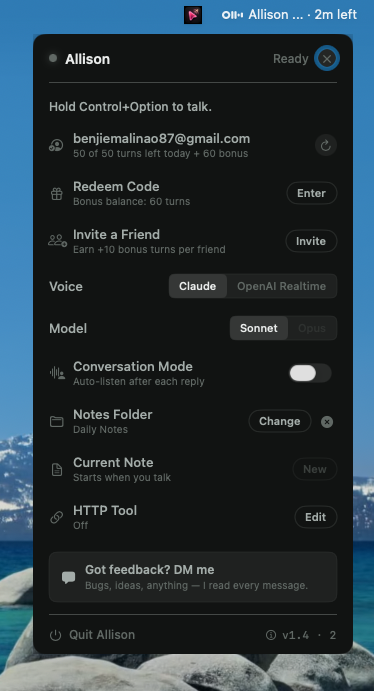
From “where is it?” to “found it.”
Hold and ask
Hold Control + Option and say what you’re trying to do, right from the app you’re in.
Get an answer for your screen
Allison uses a screenshot from your turn to explain what to do in the interface you’re looking at.
See where to click
Follow the blue cursor to the button, menu, or setting Allison is talking about.
Before you get started
Which Macs can run Allison?
Allison runs on macOS 14.2 or later and lives in your menu bar.
Do I need an invite or a credit card?
You can join the free beta with your email address. An invite code is optional and no credit card is required.
Why does Allison ask for permissions?
Microphone access lets Allison hear your question. Screen Recording lets it see what you’re asking about. Accessibility supports the global shortcut and lets Allison click or type when you ask it to.